
How AI Fixed Our Slow TV (and What It Taught Me About Business)
Key takeaways
- The thing you point at isn't always the thing that's broken, so find the real problem before you spend money fixing it.
- A slow smart TV usually needs fewer apps, fewer background features and current software, not a replacement.
- Let AI do the tedious digging, and keep the decisions with the people who know what matters.
Is your TV painfully slow every time you click the remote?
Ours was. Every button press felt like the TV had to think about it first.
So on a Tuesday night I tried something my friend Jay Owen gave me the idea for. I opened Claude Code on my laptop and asked a simple question: can you see the LG TV on our home network?
It could.
What AI Did to Our TV in One Evening
Once it connected (I had to press "Accept" on the TV one time), it went to work on the things I'd been meaning to do for months and never did.
- It deleted 14 apps we never use. Games, a shopping channel, a travel app, the kind of things that come preinstalled or get downloaded once and forgotten.
- It turned off the features that run ads on the home screen and track what you watch in the background.
- It turned off a setting that keeps the TV half-asleep instead of really turning off, so now it gets a clean restart every time.
- It found three of the apps we actually use had updates waiting, and installed them.
- It turned on automatic updates so we don't end up back here.
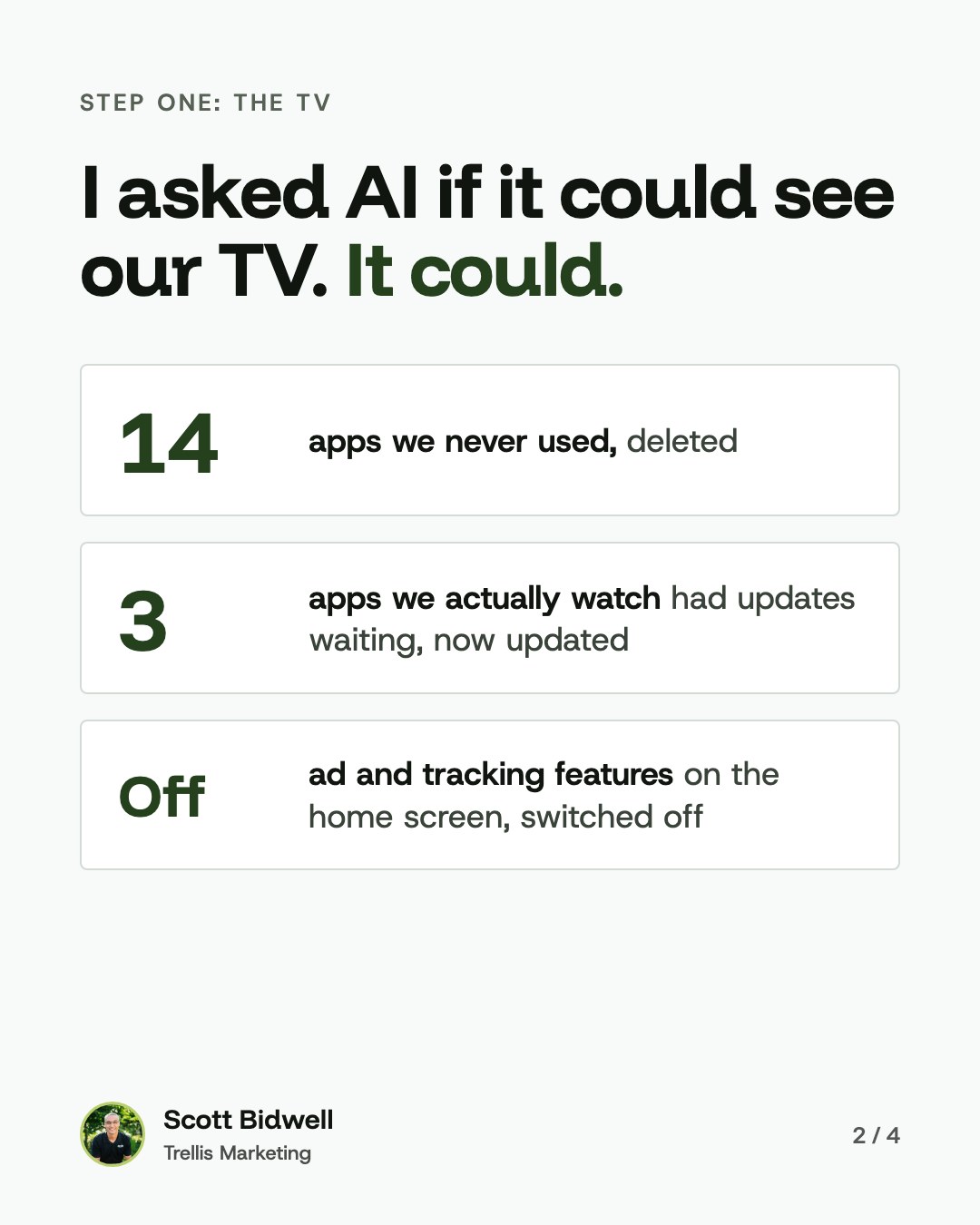
It took screenshots of the TV as it went, so I could see every step. And it asked before it deleted anything.
Then It Found the Real Problem
Here's the part I keep thinking about.
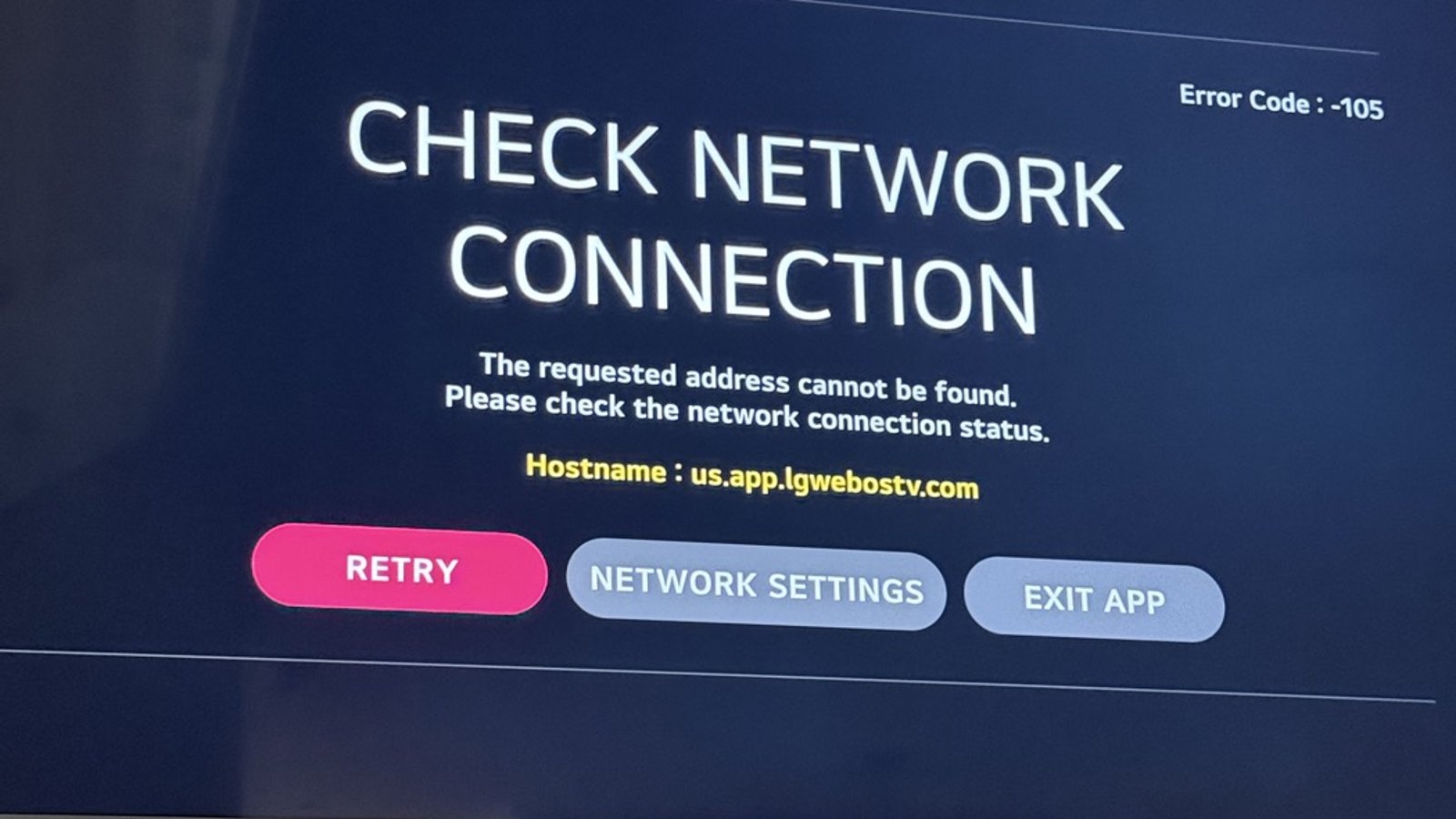
Even after all that cleanup, the TV's app store kept failing with a "Check Network Connection" error. One of our apps was stuck on its loading screen and wouldn't update.
So it kept digging. It checked the TV's network settings. It checked our router for anything blocking the TV. It tested whether other devices in our house could reach the same LG servers. They could. Only the TV couldn't.
That pointed it to one last place to look, in our router's app. And there it was. The TV was sitting in a parental-controls profile with a "bedtime" schedule turned on. The router was cutting the TV off from LG's servers.
My next step was going to be a factory reset of the TV. That would have wiped every login on it. And it wouldn't have fixed a thing.
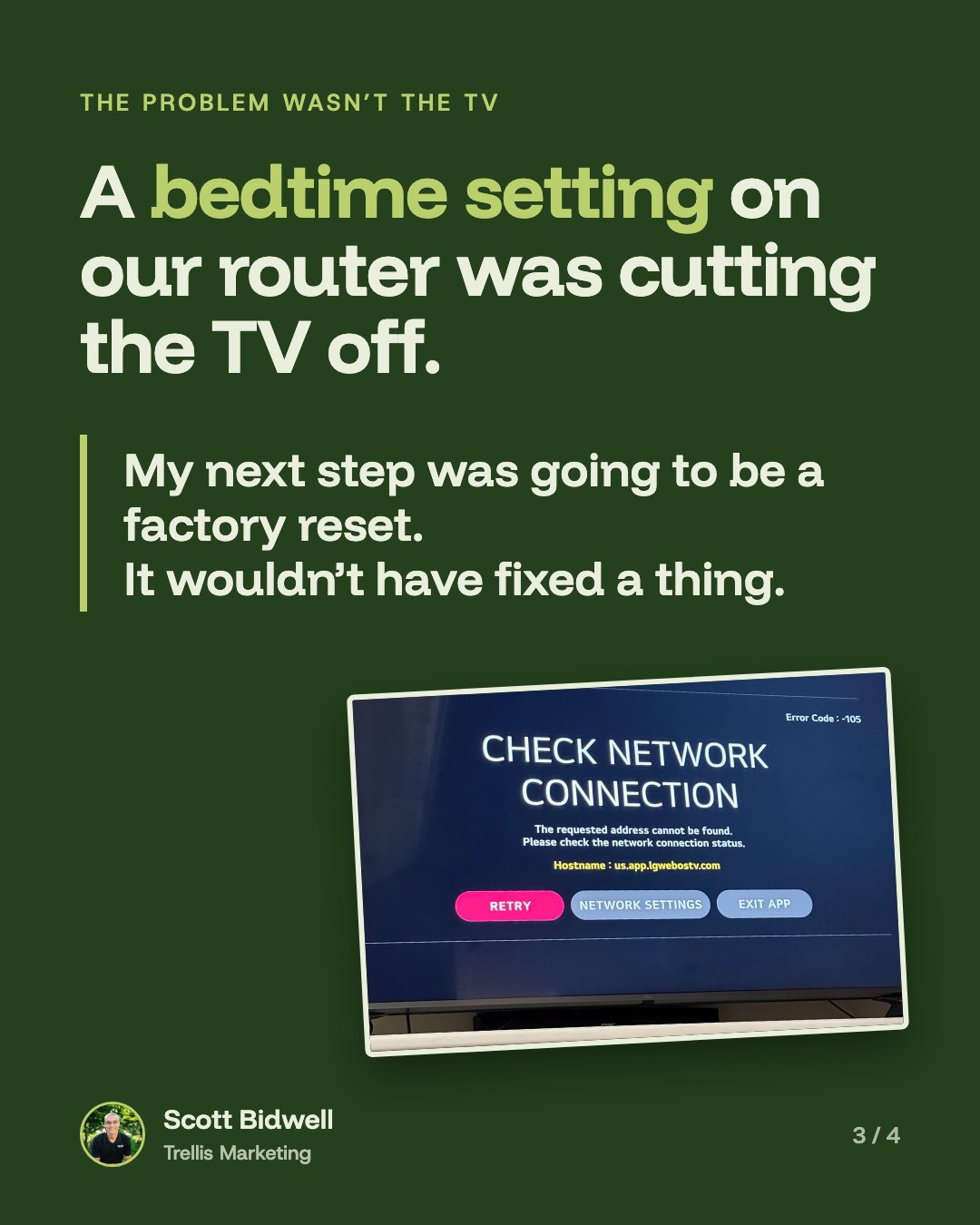
I moved the TV out of that profile. The app store loaded on the first try. The stuck app installed fresh and opened right up.
The Problem You Point At Isn't Always the Problem
I see some version of this across the table from business owners all the time.
"We need more leads." "Our website is slow." "Our ads aren't working."
Sometimes that's exactly right. But sometimes the real problem is somewhere nobody's looking. A setting nobody remembers turning on. A follow-up step that quietly stopped happening. A form that sends leads to an inbox nobody checks.
If you spend money fixing the wrong thing, you don't just lose the money. You lose time. And the real problem is still sitting there.
That's why my honest answer to "What should I fix first?" is usually "I don't know. At least not yet." It's why every marketing strategy we build starts with questions before it starts with spending.
Not sure what's really slowing your business down? Let's find it together.
Book a Free Discovery CallWhat I Let AI Do, and What I Didn't
This is the part I liked most.
The AI did the tedious part. It clicked through menus, compared settings, tested and retested, and took screenshots along the way. That's work I never would have done on a weeknight.
But it didn't decide anything that mattered. It asked before it deleted apps. It asked before it turned the TV off to restart it. It told me plainly what it couldn't see and handed me the next step.
That's how we try to use AI at Trellis, too. Let it handle the repetitive work, so people have more time for the parts that need a person.
If Your Smart TV Is Slow, Try This First
- Delete the apps you don't use. Fewer apps means less running in the background.
- Turn off the ad and recommendation features in your TV's settings.
- Check for app updates, and turn on automatic updates.
- Turn off "quick start" or "instant on" so the TV fully restarts when you turn it off. Unplugging it for a minute does the same thing.
- If apps won't load, check your router's parental controls, schedules and bedtimes for the TV before you reset anything.

All that to say: before you buy the new thing, find the real problem.
Sometimes it's a setting nobody remembers turning on.
Not sure what to fix first in your marketing?
You don't need more random marketing tactics. You need a plan that makes sense for your business. Book a free discovery call, tell us where you're trying to go, and we'll help you figure out the next right step.
Book a Free Discovery CallMore from the blog
View all
Murray Business Owners: Let's Talk Marketing
Owning a small business is a lot — and marketing shouldn't add to the overwhelm. Here's how Trellis Marketing approaches marketing for Murray businesses, plus a new opportunity for Murray-Calloway County Chamber members.
What's the First Thing I Should Fix in My Marketing?
Should you redo your website, run ads, or post more? Before you fix anything, you need to know what problem you're actually solving. Here's how Trellis Marketing helps business owners figure out what to fix first.